Installing Internet Explorer 4.x
- To install Internet Explorer 4, you will first need to browse the Internet
Explorer Home Page at http://www.microsoft.com/ie
. Click on the Download it for free link in the top, right
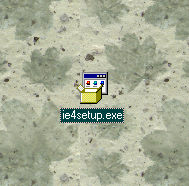
hand of the page, and download the installer onto your desktop. The actual
file will be called "ie4setup" or "ie4setup.exe" and will look like this:
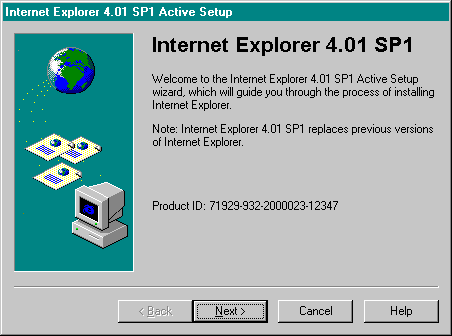
- Click Next in the "Welcome to Internet Explorer Active Setup" window.
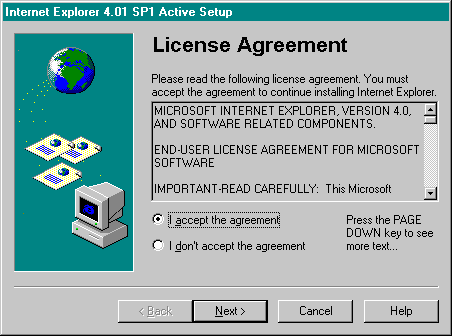
- Click on the bubble that says I accept the agreement and click on
the Next button. Feel free to review the License agreement if you
want to.
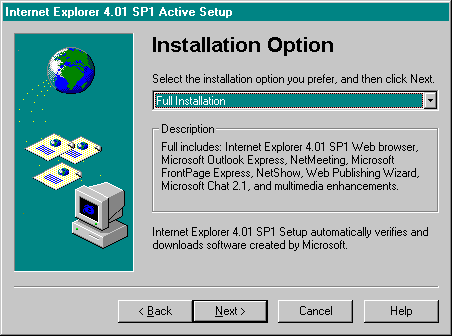
- This part is up to you; review the options presented to you by the pop-up
menu. I generally recommend the Full Installation if you have the room,
because it gives you the most goodies - they are all for free anyway, so
why not?
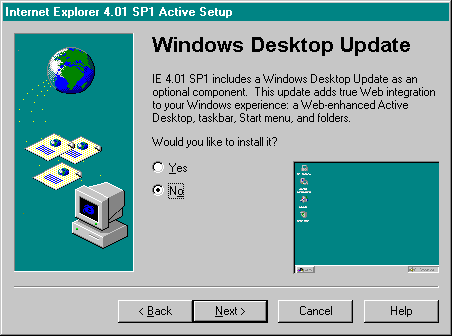
- I always recommend against the Windows Desktop Update, but it is
up to you. It won't hurt your computer. The Windows Desktop Update will
change your Windows95 "shell interface" over for the Windows98 "shell interface".
It's neat, but I recommend against it because it will significantly slow
down your computer, unless you have the very latest and greatest hardware
setup.
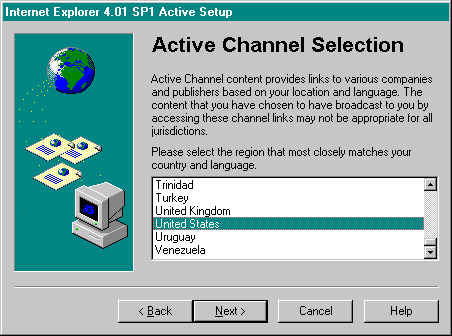
- Select the United States Active Channel, and click on the Next
button.
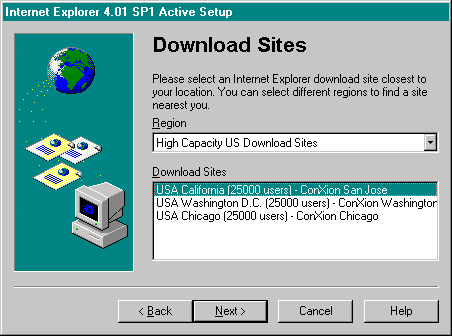
- Select the download site closest to you. If you are a Sonic customer, you'll
be choosing the San Jose site. Click on Next when you have made your selection.
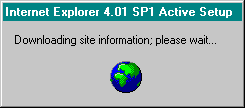
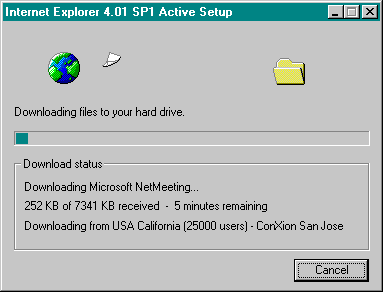
- You are finished. Your computer will now connect to the Microsoft site
to download and install Internet Explorer on your system. Depending upon
what kind of modem you have and how busy Microsoft's site is, this process
will take anywhere from 2 - 6 hours (approximately). When it is finished,
your computer will restart. You will have Internet Explorer installed on
your computer after it finishes rebooting.