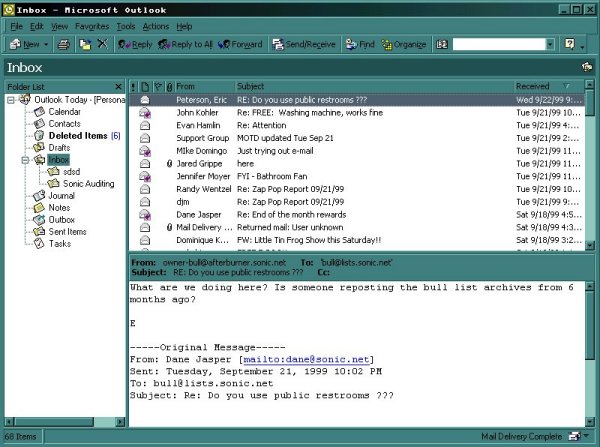
Outlook 2000
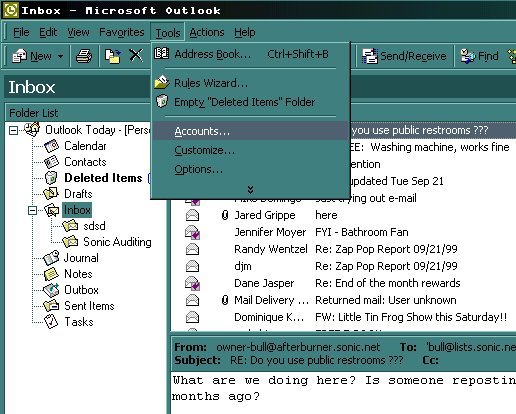
Click on "Tools", then "Accounts"
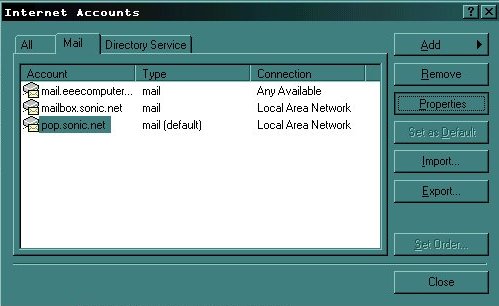
Highlight the account you wish to edit by clicking on the account name with your left mouse button. After selecting the account, click on the "Properties" button.
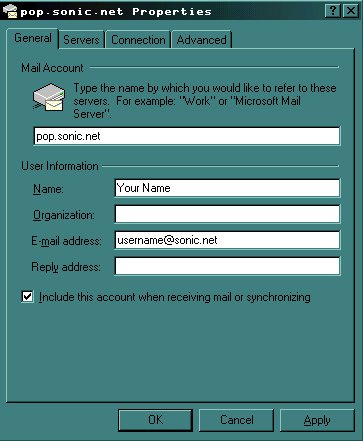
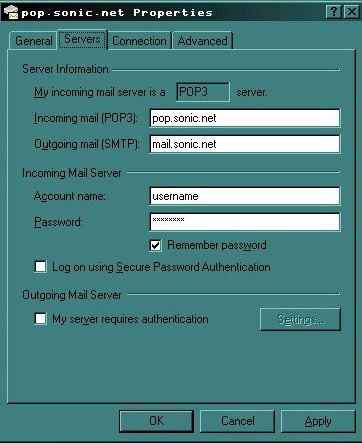
The incoming mail server will be "pop.sonic.net". The outgoing mail server should be "mail.sonic.net".
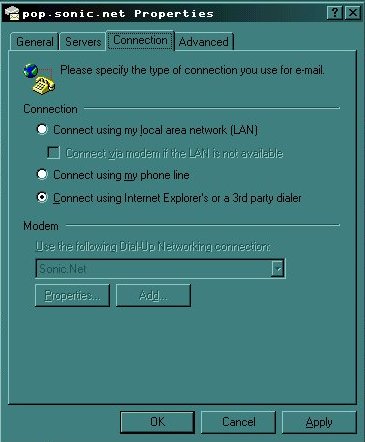
Choose the appropriate method for connection. If you use Microsoft's Internet Explorer to browse the internet and would like Outlook to dial the same connection, check the circle marked "Connect Using Internet Explorer's or a 3rd party dialer".
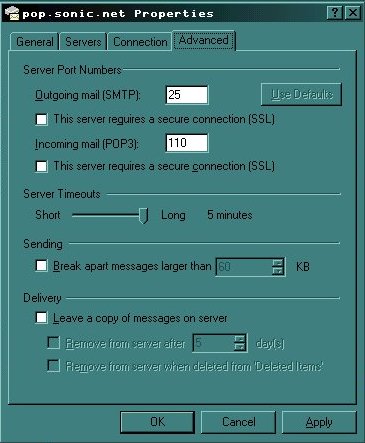
If you are finished editing/reviewing this account, click on "ok".
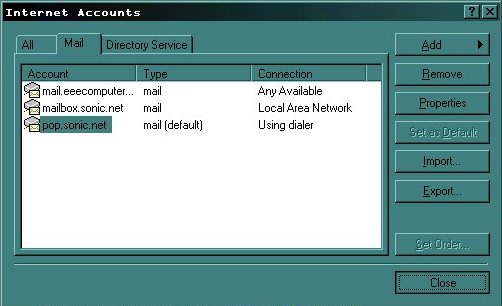
Either select another account to edit and repeat the process above, or click "close" to finish.