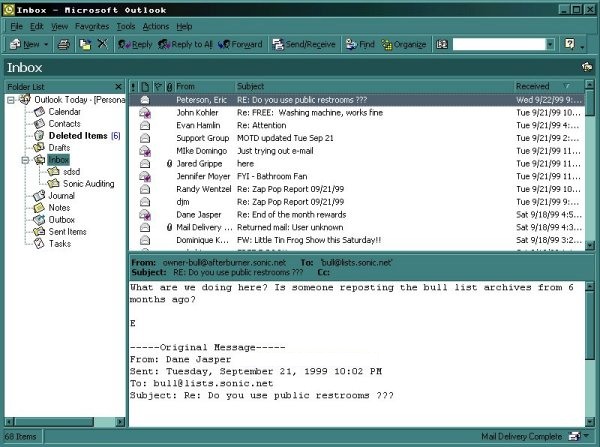
Outlook 2000
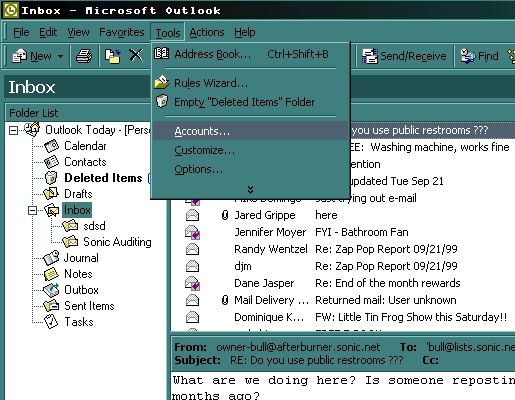
Click on "Tools", then "Accounts".
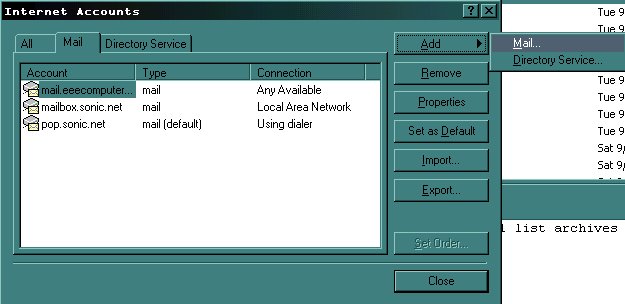
Click on "Add", then "Mail".
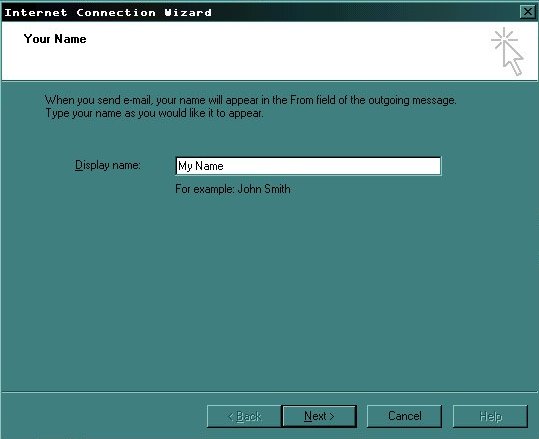
Type in the name you wish to be displayed on outgoing email.
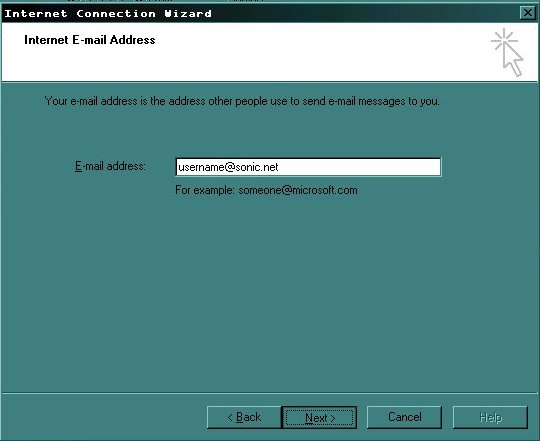
Type in your email address.
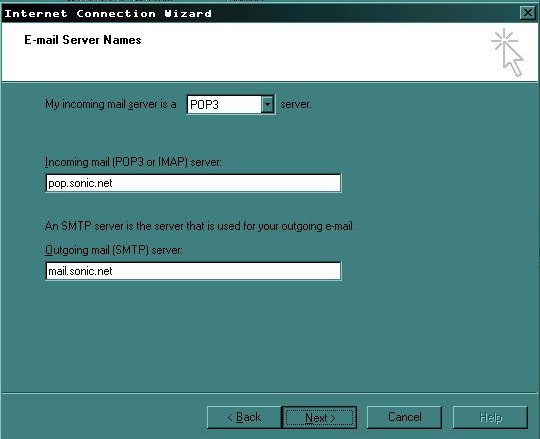
Type in the incoming and outgoing mail server names. *Note: If you are configuring Outlook to check an add-on mailbox, the incoming pop server will be "mailbox.sonic.net".
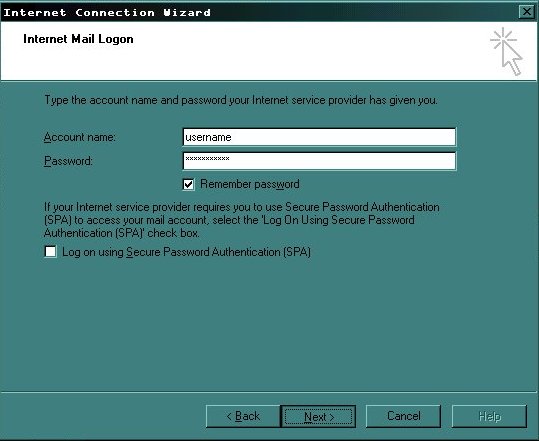
Type in your username and password. The username must be typed in using all lowercase letters.
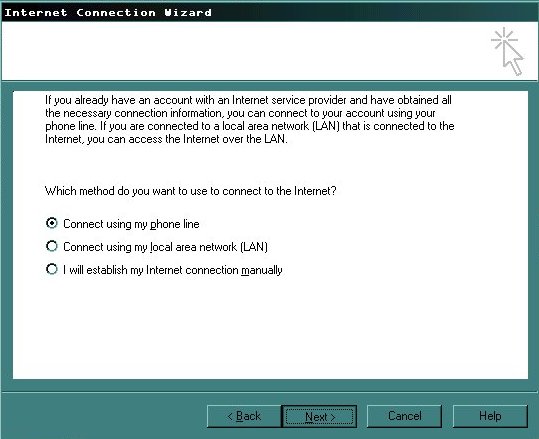
If you have a modem, you need to connect using your phone line. If you on a Local Area Network (LAN), or if you are using DSL (Digital Subscriber Line), check the circle marked, "Connect using my local area network (LAN).
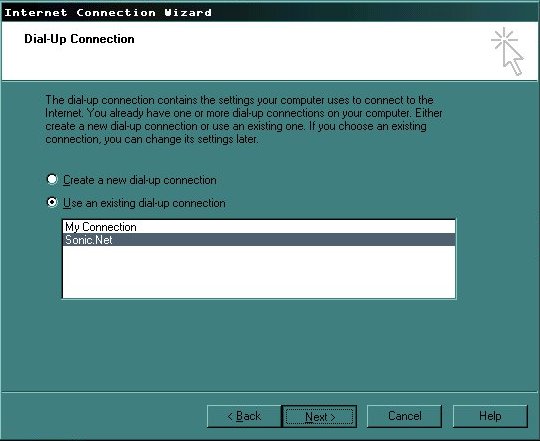
If you are connecting to the internet using a modem, select the connection you want to dial.
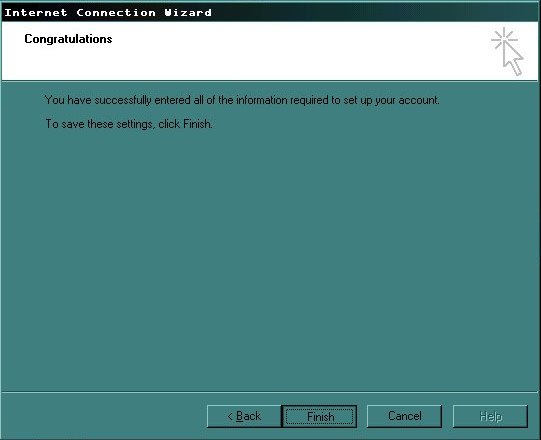
Click on the "Finish" button to save the settings you just entered.