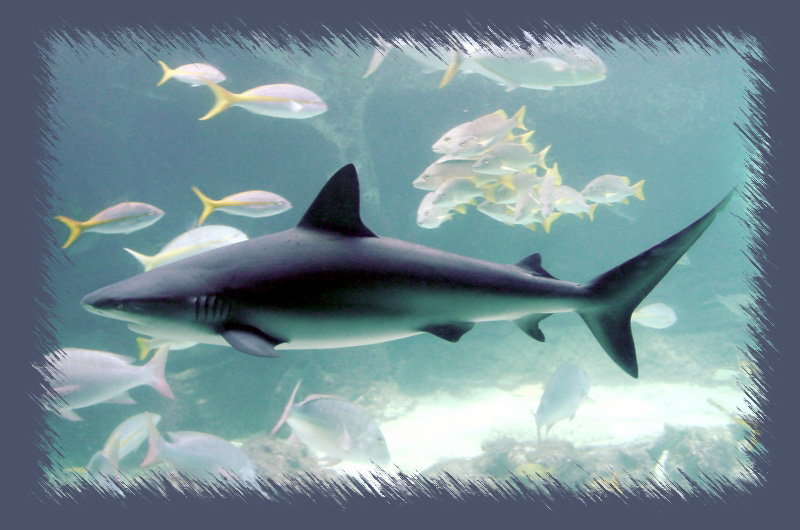
1. Open shark image in Photoshop
2. Cut and paste the image onto a new layer (so it's not the background layer)
3. Change the background layer to a different color that will compliment the photo
4. Choose the Rectangular Marquee and select the inside of the image - approx. 75 pixels from the edge
5. Change to Quick Mask Mode
6. Filter > Blur > Gaussian Blur (radius 5.0)
7. Filter > Brush Strokes > Sprayed Strokes (Stroke Length: 13, Spray Radius: 21, Left Diagnal)
8. Return to Standard Mode
9. Select > Inverse
10. Delete selected pixels showing the background color